
Creating Alphabet Printing Patterns In Python can be a fun and educational way to engage students with programming while also teaching them about letters and patterns. These patterns not only enhance coding skills but also ignite creativity in young learners. Let’s explore how you can effectively implement this in your classroom or homeschool setting, making the most out of downloadable resources.
Understanding the Basics of Printing Patterns
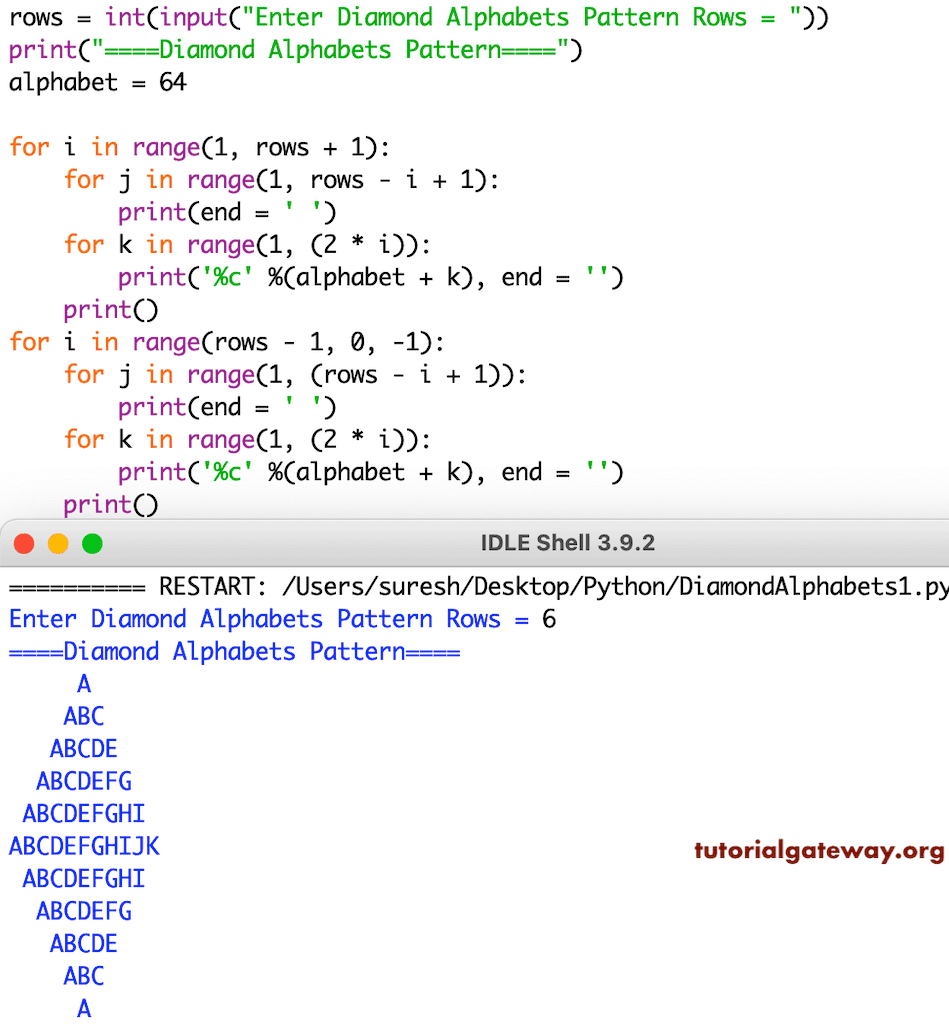
When we talk about printing patterns in Python, we’re essentially discussing how to use loops and print statements to produce a visual output. This approach is great for students who are just beginning their coding journey. For instance, using nested loops, you can create various patterns with letters that help students visualize programming logic.
Why Patterns Matter
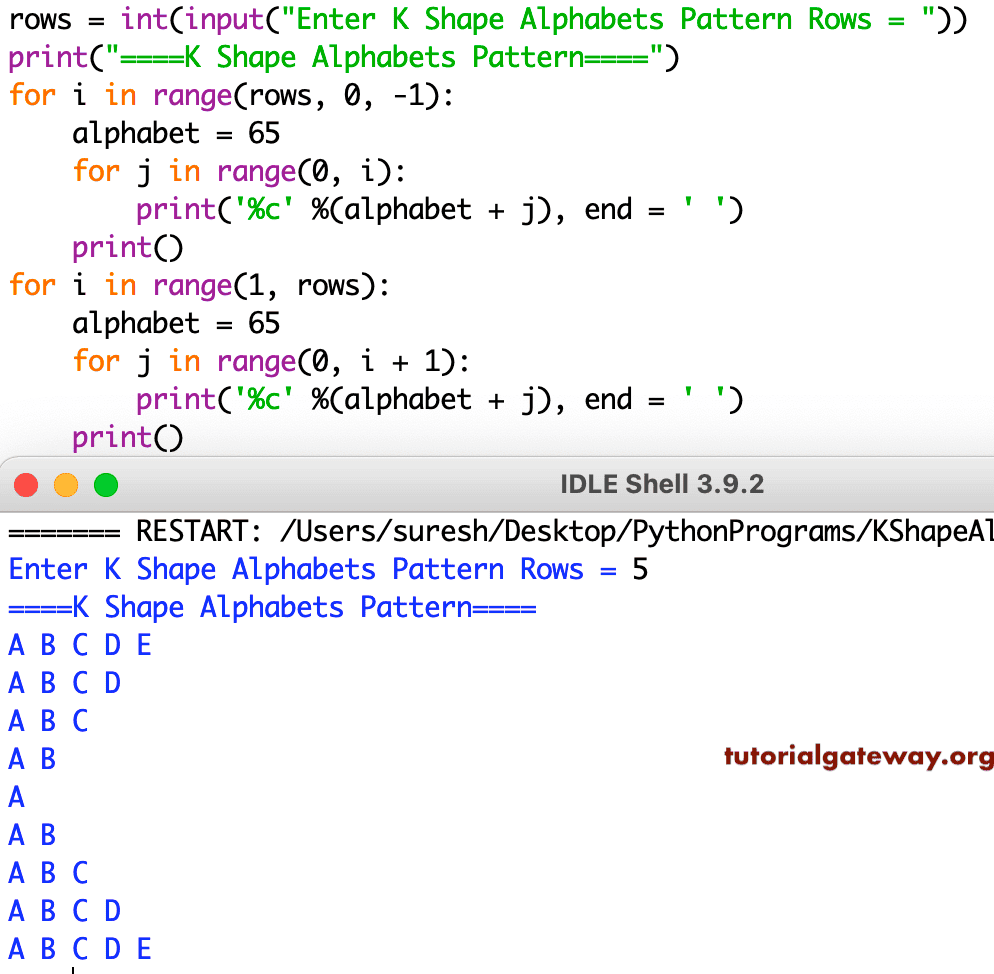
Patterns aid in developing problem-solving skills and logical thinking. They can also be a fun way to introduce concepts like iteration and conditionals in programming. By starting with simple patterns and gradually increasing complexity, you can cater to varying skill levels, making it suitable for students from elementary to middle school.
Downloadable Resources for Alphabet Printing Patterns
To effectively teach Alphabet Printing Patterns In Python, you can utilize various downloadable resources. There are templates and worksheets designed to guide students through the coding process, which makes it easier to follow along and practice effectively.
Types of Resources Available
- Printable Worksheets: These can include step-by-step instructions on how to write code for different alphabet patterns. They can be used during class or as homework assignments.
- Coloring Pages: Integrating creativity, coloring pages featuring letters and patterns can be a fun way to reinforce learning while allowing students to express themselves artistically.
- Code Snippets: Providing students with code snippets as templates can help them see the practical application of patterns in Python. This can be beneficial for visual learners.
- Project Guides: Some downloadable resources may come with project ideas that combine programming with art, helping students create visual representations of their code.
Step-by-Step Guide to Creating Patterns
Here’s a simple workflow for teaching how to create alphabet printing patterns using Python.
Step 1: Choose Your Pattern
Decide what kind of pattern you want to create. For example, you might want to print letters in a pyramid shape or create a straight line of letters.
Step 2: Set Up Your Python Environment
Make sure you have Python installed on your computer. You can use tools like Jupyter Notebook or any text editor that supports Python scripts.
Step 3: Write Your Code
Here’s a basic example of how to print the alphabet in a pyramid pattern:
“`python
def print_pyramid(n):
alphabet = ‘ABCDEFGHIJKLMNOPQRSTUVWXYZ’
for i in range(n):
print(‘ ‘ * (n – i – 1) + alphabet[:i + 1])
print_pyramid(5)
“`
Step 4: Run Your Code
Once you have written your code, run it to see the output. This is where students can see their patterns come to life. Encourage them to modify the number of rows or the letters used to see how the output changes.
Step 5: Experiment and Have Fun
Encourage students to experiment with different shapes and letters. This exploration is key to fostering creativity and deeper understanding.
Tips for Successful Implementation
- Start Simple: Begin with basic patterns before moving to more complex ones. This helps build confidence.
- Encourage Collaboration: Let students work in pairs or small groups. They can share ideas and troubleshoot together, enhancing their learning experience.
- Integrate Art: Allow students to draw their patterns on paper after coding. This tactile experience can reinforce their learning.
- Use Technology Wisely: Make sure to integrate technology, such as online coding platforms, where students can practice coding without needing to set up software.
Advanced Patterns and Projects
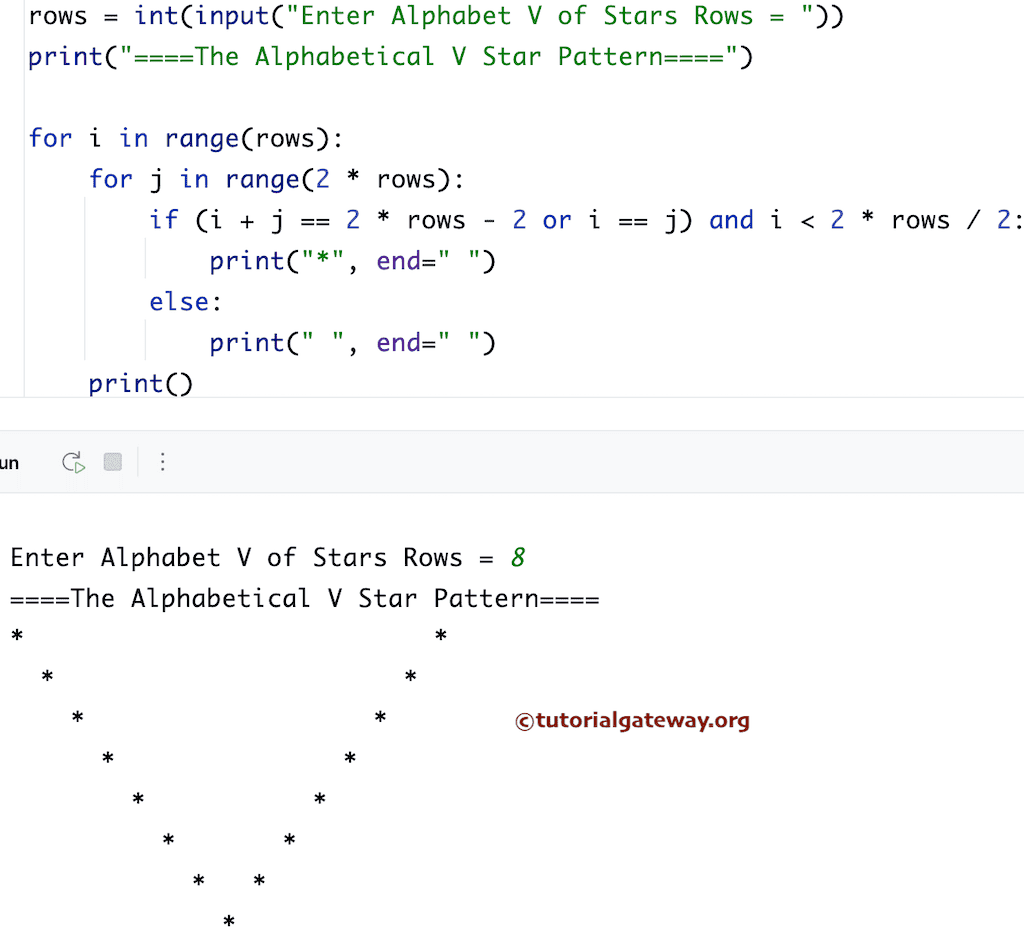
As students become more comfortable, you can introduce more advanced patterns. For instance, using nested loops to create intricate designs or even incorporating user input for a more interactive experience.
Example of a More Complex Pattern
Here’s an example of a more complex pattern that combines letters with numbers:
“`python
def complex_pattern(n):
for i in range(1, n + 1):
for j in range(i):
print(chr(64 + j + 1), end=’ ‘)
print()
complex_pattern(5)
“`
This code prints a series of letters in increasing order, which can be a great way to challenge students and encourage them to think critically about how to manipulate their code.