
Coloring pages can be an incredibly versatile resource for teachers, especially when they come in the form of outline letters that can be edited. Coloring Pages Outline Letters Edit allows you to customize each letter, making it a fantastic tool for enhancing students’ creativity and learning. If you are teaching alphabet recognition, spelling, or even artistic skills, these coloring pages can be adapted to fit various age groups and educational needs. In this article, I’ll walk you through practical ways to use these resources effectively in your classroom or homeschool environment.
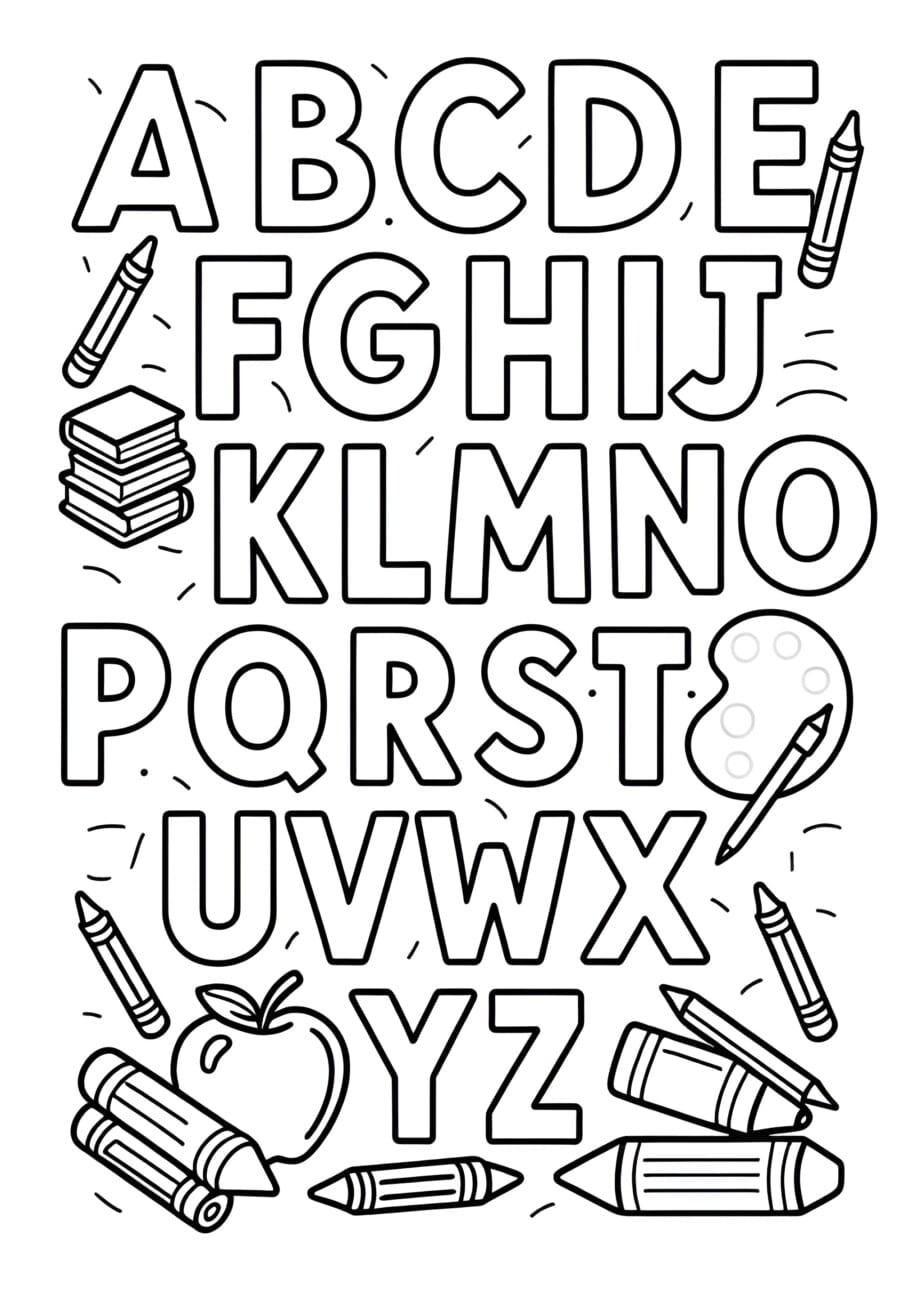
Understanding Outline Letter Coloring Pages
Outline letter coloring pages are essentially blank letters that students can color in. These pages can be customized in various ways, such as adding themes or specific instructions for coloring. This type of resource is particularly beneficial for younger students who are just beginning to learn their letters. They provide a hands-on way to engage with the alphabet, making learning both fun and interactive.
Benefits of Using Editable Coloring Pages
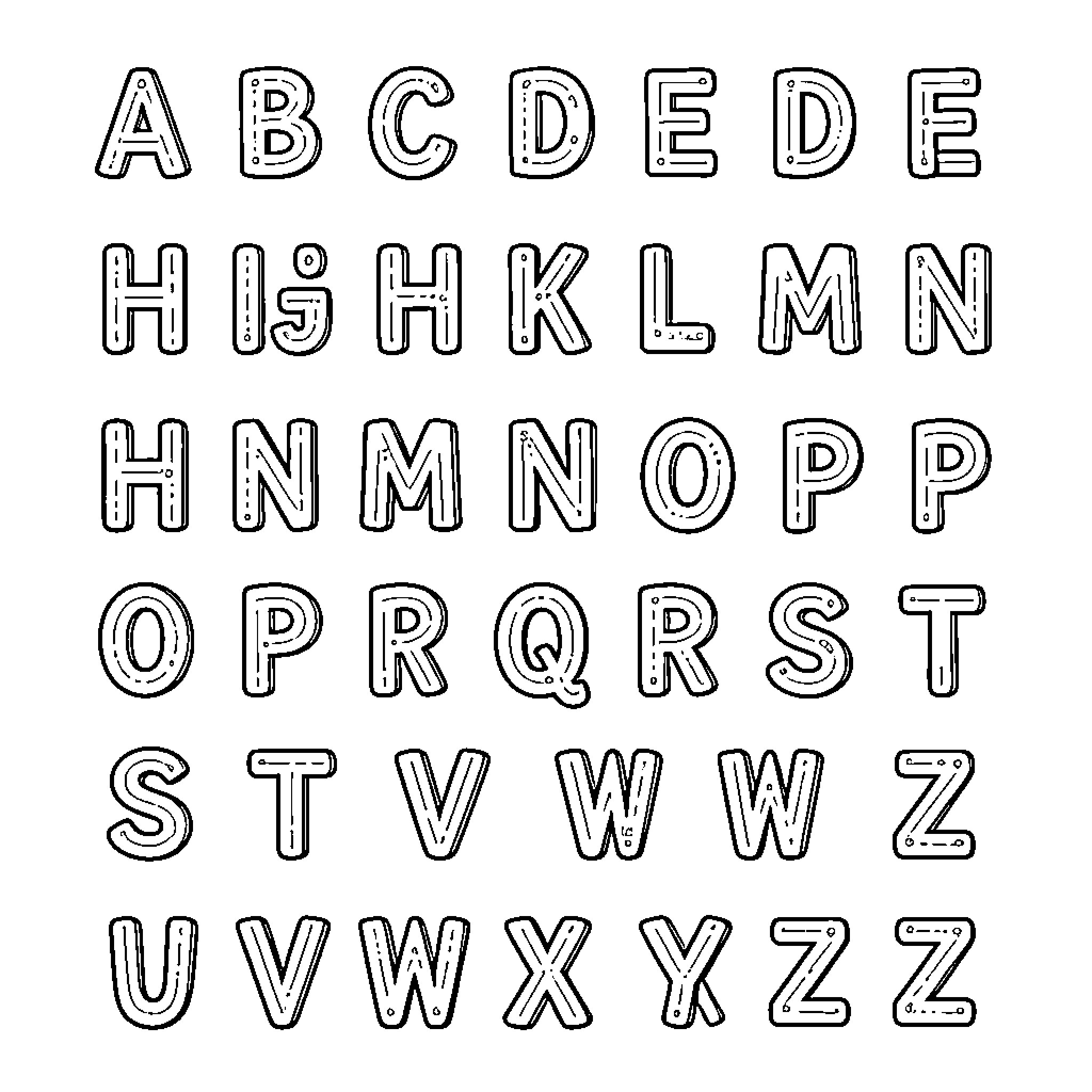
The beauty of editable coloring pages lies in their flexibility. Here are some benefits that make them an essential resource:
- Customization: You can tailor the letters to fit a specific lesson or theme, such as seasonal holidays or classroom projects.
- Engagement: Students are more likely to participate when they have the freedom to express their creativity.
- Skill Development: Coloring helps improve fine motor skills, hand-eye coordination, and concentration, all while reinforcing letter recognition.
These aspects make outline letter coloring pages a valuable addition to any teacher’s toolkit.
Practical Classroom Applications
In a classroom setting, the Coloring Pages Outline Letters Edit can be adapted to suit various activities. Here are some practical ways to implement these coloring pages effectively:
Alphabet Recognition Activities
You can use these coloring pages as part of an alphabet recognition exercise. Hand out pages with letters that correspond to the week’s lesson. For example, if you’re focusing on the letter “B,” provide a coloring page of the letter “B” alongside images of objects that start with “B” (like a balloon or a bear). This reinforces the connection between the letter and its sound.
Spelling and Vocabulary Enhancement
For slightly older students, outline letter coloring pages can be transformed into spelling exercises. Choose words they are currently learning and create a coloring page with each letter of the word. As they color, they can say the letters out loud, reinforcing their spelling skills. This approach is especially effective for visual learners.
Thematic Projects
Leverage the editable nature of these coloring pages to align with thematic units of study. For instance, during a unit on animals, provide students with outline letters that spell out “ZOO.” You can encourage them to color in a zoo scene around the letters, making it a collaborative project that can be displayed in the classroom.
Printing and Layout Tips
To maximize the effectiveness of these coloring pages, consider the following printing and layout tips:
Paper Selection
- Cardstock vs. Standard Paper: If you plan to laminate the coloring pages for durability, opt for cardstock. It holds up better to repeated use and doesn’t tear easily.
- Size Matters: Standard letter size (8.5 x 11 inches) works well for most projects, but consider larger sizes for group activities that require more space.
Printer Settings
Ensure that your printer settings are correctly adjusted for the best results. Use the following tips:
- Quality: Set your printer to the highest quality settings to ensure vibrant colors when printed.
- Portrait vs. Landscape: Most outline letters will fit better in portrait orientation, but if you’re creating a large project, landscape may be more suitable.
Incorporating Technology
In today’s tech-savvy classrooms, integrating digital tools can enhance your use of Coloring Pages Outline Letters Edit. Here are some ideas:
Digital Coloring
If your students have access to tablets or computers, consider using digital coloring applications that allow them to color outline letters electronically. This not only saves paper but also introduces them to digital art tools.
Sharing and Collaboration
Utilize cloud storage platforms like Google Drive to share coloring pages with students. They can access the files from home, allowing for extended learning opportunities. This approach is particularly beneficial for students who may need extra practice outside of school.

Assessment and Feedback
When using coloring pages for educational purposes, it’s essential to have an assessment strategy in place. Here are a couple of ways to evaluate understanding:
Observation
As students engage with the coloring pages, take notes on their participation, creativity, and understanding of the letters. This informal assessment can provide insight into their progress.
Completed Projects
Display completed coloring pages around the classroom. Not only does this create a vibrant learning environment, but it also allows for peer feedback. Encourage students to share their work and discuss their coloring choices, fostering a sense of community.